

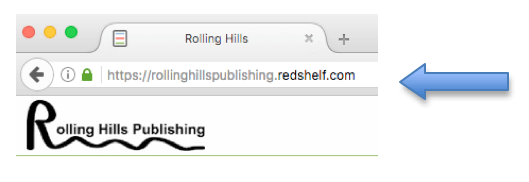

1. Go to RollingHillsPublishing.RedShelf.com
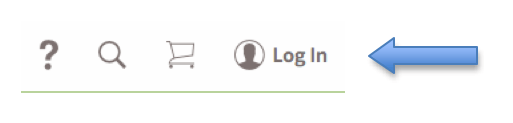
2. In the upper right hand corner of the page click on “Log In”.
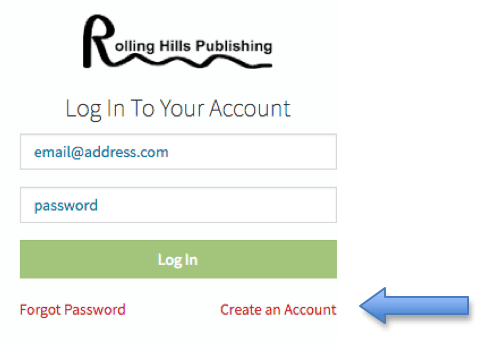
3. Under the “Log In” box, click “Forgot Password”.
4. Enter your email address associated with your account.
5. Click “Request Reset”.
6. Go to your email inbox to retrieve your new password.